
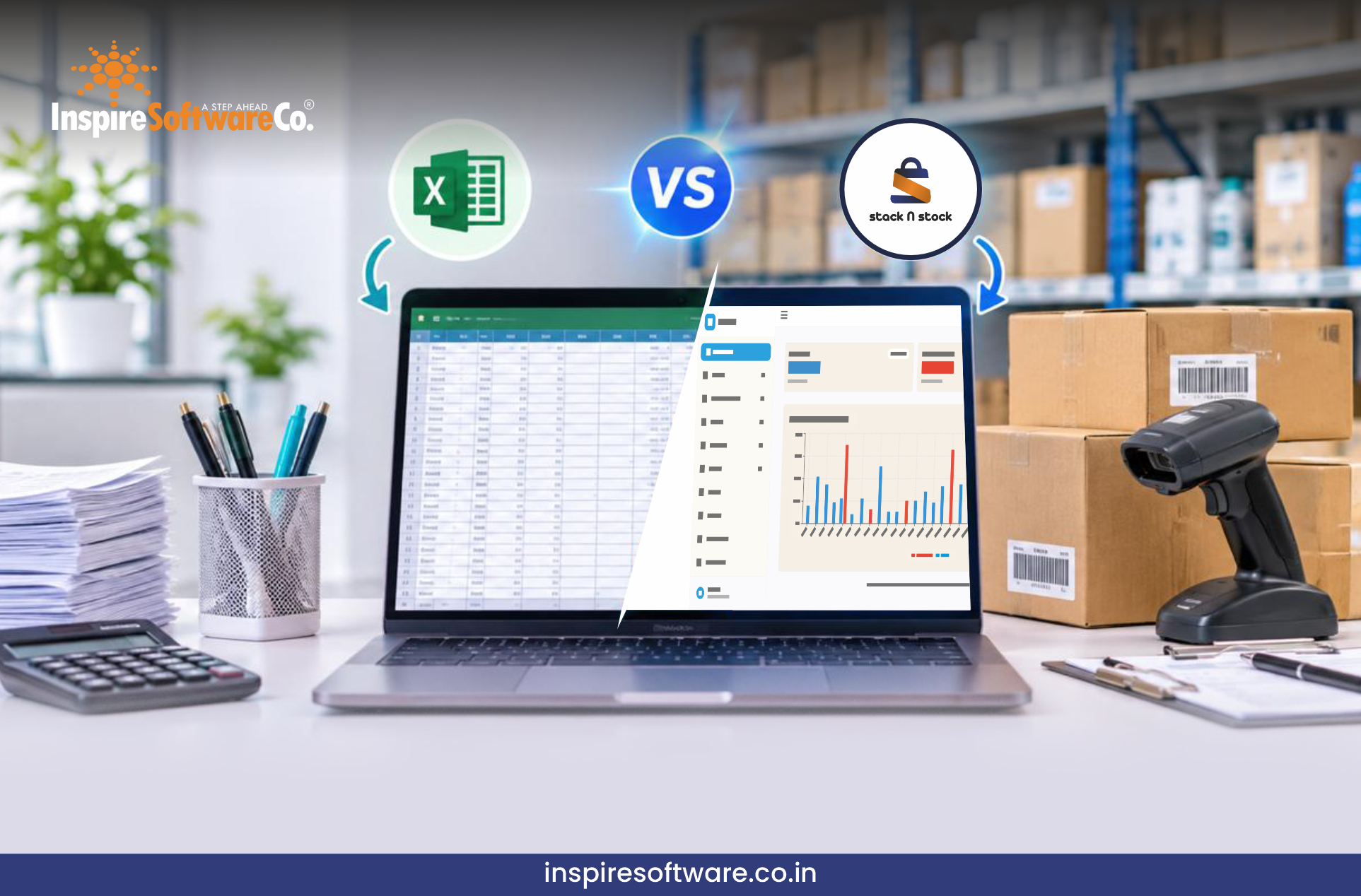
Managing inventory is one of the most important responsibilities for any product-based business. Whether you run a retail store, wholesale business, distribution company, or warehouse, knowing how much stock you have, what is moving, and when to reorder can directly affect your daily operations.
Many businesses start with Microsoft Excel because it is familiar, flexible, and easy to use. A simple spreadsheet can help record product names, quantities, purchase details, and sales. But as the business grows, maintaining accurate stock records becomes more complicated.
This raises an important question: should you continue using Excel or switch to inventory management software?
In this guide, we compare inventory management software vs Excel, explain the advantages and limitations of each option, and help you decide which approach is right for your business.
What Is Excel Inventory Management?
Excel inventory management is the process of recording and tracking stock using spreadsheets. Businesses create worksheets to maintain product details, opening stock, purchases, sales, returns, and closing stock.
For example, a small shop might maintain columns such as:
- Product name and product code
- Opening stock quantity
- Purchased quantity
- Sold quantity
- Returned or damaged stock
- Closing stock quantity
- Purchase price and selling price
Excel formulas can calculate stock balances and prepare basic summaries. Businesses can also customise their spreadsheets according to their requirements.
When is Excel useful?
Excel can be a practical choice when:
- You manage a small number of products.
- Only one person updates stock records.
- Daily purchase and sales transactions are limited.
- You need a simple stock list or basic report.
- Your business does not require connected billing and inventory workflows.
However, Excel depends heavily on accurate manual entries and consistent file management. As the number of products, transactions, and employees increases, maintaining reliable records can become challenging.
What Is Inventory Management Software?
Inventory management software is a digital system designed to help businesses record, monitor, and manage stock movements through structured workflows.
Instead of maintaining separate spreadsheets for different activities, a suitable inventory management system can bring important stock information into one organised platform.
Depending on the software and its configuration, businesses may be able to manage:
- Product and item records
- Purchase and goods receipt entries
- Sales and stock deductions
- Stock transfers between locations
- Returns, adjustments and damaged goods
- Supplier and purchase information
- Current stock balances
- Inventory movement history
- Stock valuation and inventory reports
Some solutions can also connect inventory with billing, point-of-sale systems, accounting tools, or other business applications.
Features vary by product and subscription, so businesses should evaluate their operational requirements before choosing a solution.
Inventory Management Software vs Excel: Key Differences
Both Excel and inventory management software can help track stock, but they work differently. The right choice depends on your product range, transaction volume, team size, and business processes.
| Comparison | Excel Inventory Management | Inventory Management Software |
| Stock updates | Usually entered manually | Can update through recorded transactions |
| Data organisation | Spreadsheet-based | Structured inventory records |
| Multiple users | Requires careful file coordination | May support separate user access |
| Purchase tracking | Usually maintained in separate sheets | Can be part of an integrated workflow |
| Sales and billing | Often managed separately | May connect with billing or POS |
| Stock movement history | Depends on spreadsheet design | May provide transaction-wise history |
| Stock reports | Created using formulas and filters | May provide ready-made reports |
| Multiple locations | Requires separate sheets or careful setup | May support location-wise stock |
| Data access | Depends on file location and sharing | Depends on the software’s access options |
| Scalability | Becomes harder to maintain as operations grow | Designed to support more structured workflows |
Note: These are general differences. Actual capabilities depend on your spreadsheet setup and the inventory software you choose.
1. Stock Accuracy and Manual Errors
Stock accuracy is essential for smooth business operations. If your records show that an item is available but the actual stock is zero, you may disappoint customers or lose a sale.
With Excel, stock quantities generally need to be updated after purchases, sales, returns, and adjustments. If an employee forgets to enter a transaction or updates the wrong worksheet, the recorded quantity may no longer match the physical stock.
Inventory management software can connect stock changes with recorded business transactions. For example, when a supported billing workflow records a sale, the system can update the relevant stock quantity.
This reduces dependence on repeated manual entries, provided transactions are entered correctly and the system is configured properly.
2. Real-Time Stock Visibility
Knowing your current stock position helps you make better purchasing and sales decisions.
In a spreadsheet-based process, the displayed quantity is only as current as the last update. If purchases or sales are recorded later, the sheet may show outdated information.
A suitable inventory management system can provide updated stock balances as transactions are recorded. Depending on the solution, you may also be able to review stock by item, store, or warehouse.
This is particularly useful for businesses where stock moves frequently throughout the day.
3. Managing Multiple Employees
When one person manages inventory, a single Excel file may be sufficient. But when purchase teams, storekeepers, sales staff, and business owners all need stock information, coordination becomes more important.
Multiple spreadsheet copies can create confusion. One employee may update an older file while another works on a different version.
Inventory software with multi-user access can provide a shared system for authorised employees. Role-based permissions, where available, can help control who can view or update specific information.
This makes it easier to establish consistent stock management procedures across a team.
4. Purchase and Sales Tracking
Inventory management is not limited to knowing how many products are available. Businesses also need to understand how stock enters and leaves their premises.
Excel can record purchases and sales, but separate sheets and manual formulas may be needed to connect these transactions with stock balances.
Inventory management software may provide structured workflows for:
- Recording purchases from suppliers
- Entering received goods
- Recording sales and returns
- Tracking stock adjustments
- Reviewing item-wise transaction history
When inventory is connected with billing, businesses can reduce duplicate data entry and maintain a more consistent view of stock and sales.
5. Inventory Reports and Business Insights
Reports help business owners understand what is happening with their stock.
In Excel, reports can be prepared using formulas, filters, pivot tables, and charts. These are useful tools, but they require the spreadsheet to be structured and maintained correctly.
Inventory software may provide reports such as:
- Current stock summary
- Item-wise stock movement
- Purchase and sales summaries
- Stock valuation
- Fast-moving and slow-moving items
- Stock adjustment reports
- Location-wise stock reports
The available reports depend on the selected software. Reviewing these reports regularly can help businesses identify stock shortages, excess inventory, and purchasing patterns.
6. Managing Multiple Stores or Warehouses
Businesses operating from multiple shops, branches, or warehouses need to know where their products are located.
With Excel, this information can be managed using separate worksheets or a carefully designed workbook. However, keeping all location records updated and consistent requires discipline.
Inventory software that supports multiple locations can make it easier to review stock balances and record transfers between locations.
Before choosing a system, check whether it supports the number of stores or warehouses you operate and the stock transfer process your business follows.
7. Business Growth and Scalability
A spreadsheet that works well for a small product range may become difficult to maintain as your business expands.
More products, more employees, additional locations, and higher transaction volumes can increase the time required for manual updates and reconciliation.
Inventory management software provides a more structured approach to stock control. It can also offer integrations and additional modules as your business requirements change.
Choosing the right solution early can help you establish consistent inventory processes before operations become more complex.
Advantages and Limitations of Both Options
Advantages of Excel Inventory Management
- Familiar and easy to start using.
- Flexible spreadsheet structure.
- Useful for small product lists.
- Suitable for basic stock calculations.
- Can support customised reports and summaries.
Limitations of Excel Inventory Management
- Requires regular manual updates.
- Formula or data-entry mistakes can affect stock records.
- Multiple file versions can create confusion.
- Sales and purchase records may remain separate.
- Reports need to be maintained and prepared.
- More complex workflows require additional spreadsheet design.
Advantages of Inventory Management Software
- Structured product and stock records.
- Can connect stock movements with recorded transactions.
- May support multiple users and locations.
- Can simplify purchase and sales tracking.
- May provide inventory reports and stock history.
- Can integrate with billing and other business workflows.
Things to Check Before Choosing Inventory Software
- Whether the software supports your business type.
- Whether it can manage your product catalogue and units.
- Whether purchase, sales, and stock adjustments are supported.
- Whether it supports your required number of users and locations.
- Whether its reports match your business requirements.
- Whether training, implementation, and customer support are available.
Excel vs Inventory Management Software: Which One Should You Choose?
There is no single answer for every business. Your decision should depend on how much stock you manage and how frequently it changes.
Choose Excel if:
- You have a small product catalogue.
- Your stock transactions are limited.
- One person manages the records.
- You only need basic stock calculations.
- You are comfortable maintaining spreadsheets manually.
Choose inventory management software if:
- You manage a growing product catalogue.
- Stock changes frequently throughout the day.
- Several employees handle inventory.
- You need purchase and sales tracking.
- You operate multiple stores or warehouses.
- You want more structured stock reports.
- You need inventory to work alongside billing or POS.
For many growing businesses, the decision to move from Excel to inventory management software comes when manual updates and stock reconciliation start consuming too much time.
When Should Your Business Switch from Excel to Inventory Management Software?
Consider moving to a dedicated inventory management system when you regularly experience these situations:
- Stock mismatches: Physical quantities and spreadsheet records frequently differ.
- Delayed updates: Purchases and sales are not entered immediately.
- Duplicate records: Different employees maintain separate product or stock files.
- Slow reporting: Preparing stock summaries takes too much time.
- Difficult stock monitoring: You cannot quickly identify the stock available at each location.
- Growing operations: Your product range, transaction volume, or team is increasing.
You do not have to wait until inventory problems become serious. Reviewing your current process and identifying the gaps can help you plan a smoother transition.
How to Choose the Right Inventory Management Software
Before investing in inventory management software, prepare a list of your actual business requirements.
Ask these questions:
- Can I maintain all my products in one system?
- Can I record purchases, sales, and stock adjustments?
- Can I view current stock balances?
- Can multiple authorised employees use the system?
- Can I manage stock across my required locations?
- Does it provide the reports I need?
- Can it work with my existing billing or POS process?
- Is the software easy for my team to learn?
Request a product demonstration and test common workflows using examples from your own business. A system should fit your daily operations rather than forcing your team into an unnecessarily complicated process.
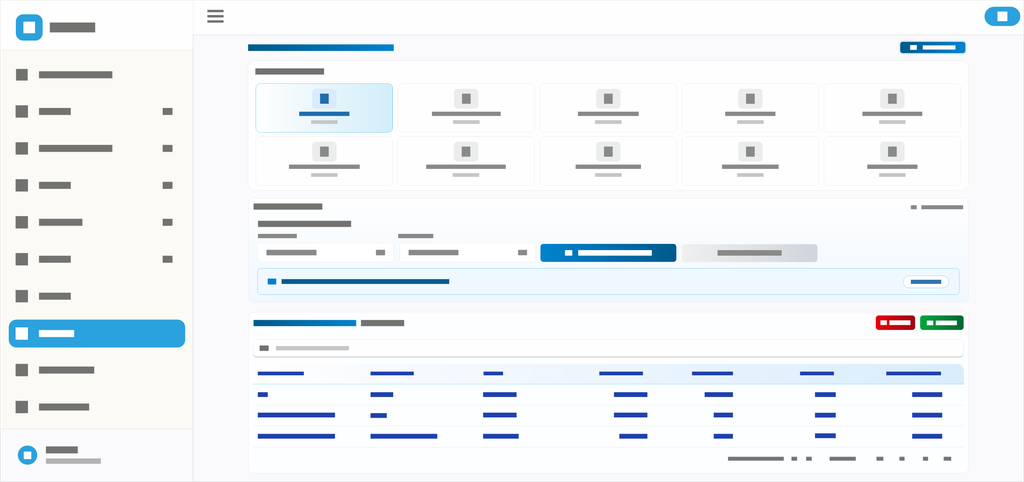
Manage Your Stock More Efficiently with Stack N Stock
As your business grows, managing inventory through multiple spreadsheets can become difficult. A dedicated inventory management solution can help bring more structure and visibility to your stock-related operations.
Stack N Stock by Inspire Software Co. is our inventory management product. If you are considering moving beyond spreadsheet-based stock tracking, connect with our team to discuss your inventory requirements and explore the solution.
Whether you manage a retail business, trading operation, distribution business, or warehouse, the right inventory process can help your team work with better organisation and control.
Ready to explore a better way to manage inventory?
- Visit: Inspire Software Co.
- Explore: Stack N Stock
- Contact our team to request a product demonstration.
Make the move from manual stock tracking to a more organised inventory management process.